


Microsoft Excel Email, Phone & Address Verification Plugin
Verify emails, phone numbers, and addresses directly in Excel. Ensure clean, accurate data without leaving your spreadsheets. Use Microsoft Excel as a simple workspace for email, phone number, and address verification. ApexVerify helps teams clean spreadsheet data faster, reduce manual review, and keep contact records accurate before campaigns, CRM imports, sales outreach, or operational use. Start your Excel file, verify data in bulk, and use a cleaned file ready to work with.

Verifying your data is fast, cheap, and simple.
1. Upload: Upload your data with confidence, protected by advanced encryption and security that meets the standards of the world’s largest enterprises.
2. Verify: Our system automatically verify provided data using advanced algorithms and top notch industry verification protocols.
3. Download: Instantly download your cleaned, normalized, and verified data, ready for campaigns, outreach, and CRM import.
Turn Excel into a reliable contact data verification workflow for everyday business use. Microsoft Excel email verification, phone number verification, and address validation help your team find invalid, incomplete, or unusable records before they create problems. With clear verification results, it becomes easier to review lists, remove bad rows, and keep only trusted data. This workflow is ideal for teams that already manage lead lists, customer exports, and internal records in spreadsheets. Fast bulk verification helps reduce repetitive cleanup, improve data quality, and support better outreach performance. Sales, marketing, operations, and support teams can work from cleaner Excel files and spend less time fixing errors manually. ApexVerify helps you keep Microsoft Excel data clean, compliant, and ready to use. Whether you verify a small contact list before a launch or process larger recurring exports, the workflow stays simple and efficient. Upload, verify, and download trusted data to improve deliverability, call success, CRM quality, and reporting accuracy.
Verify Microsoft Excel data faster, with lower risk and less manual work
ApexVerify makes Microsoft Excel data verification simple. Inside your spreadsheet, upload the rows it securely, verify your contact data in bulk, and start export a cleaned file ready to use.
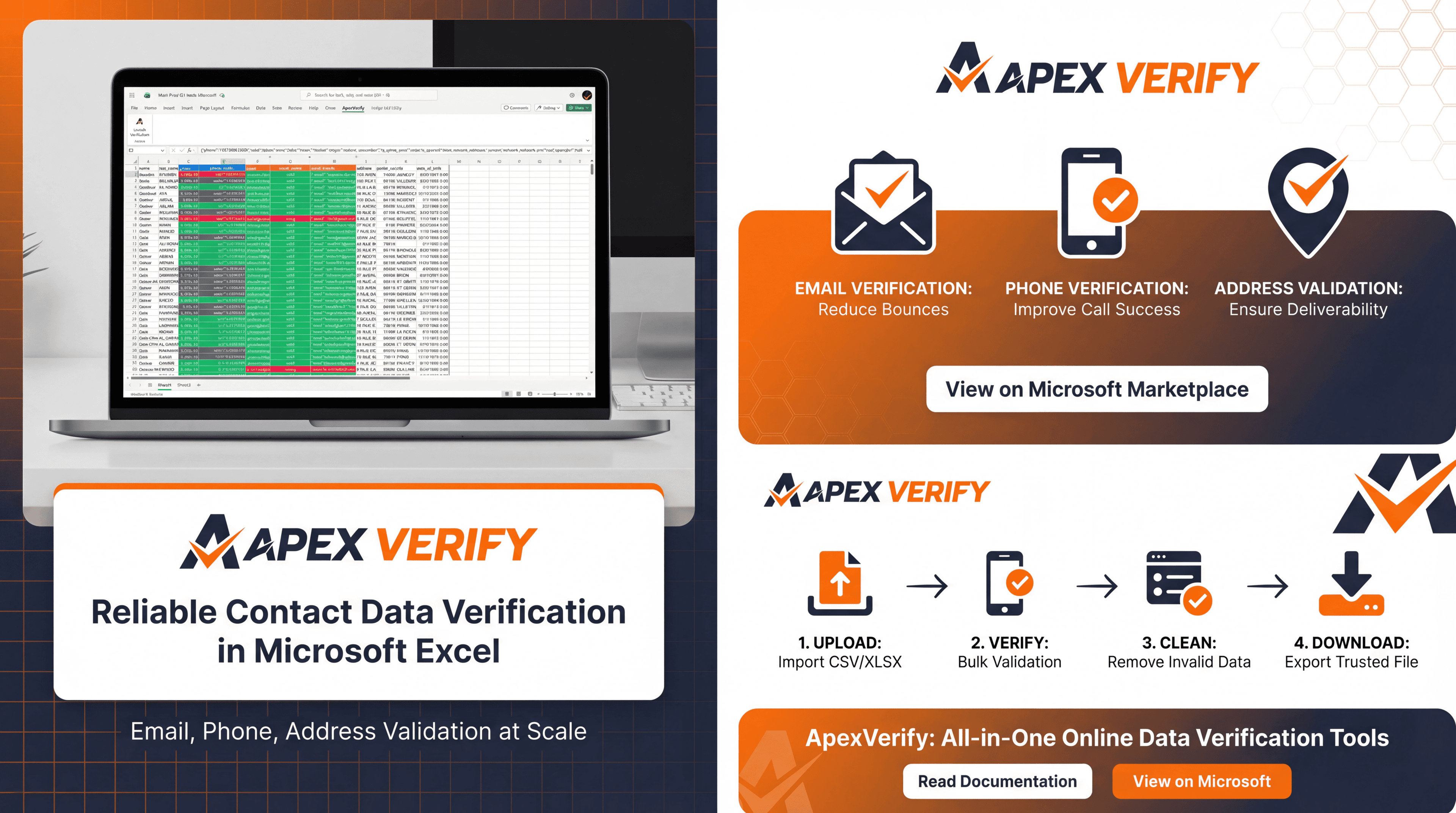
How the Microsoft Excel workflow works
Verifying your data is fast, cheap, and simple.
- Mark your spreadsheet from Microsoft Excel in a supported format such as .csv or .xlsx.
- Map your columns for email verification, phone number verification, and address verification.
- Upload your data with confidence, safeguarded by military-grade encryption and enterprise-level security.
- Our system automatically validates provided data using advanced algorithms and top notch industry verification protocols.
- Download your cleaned, normalized, and verified data, ready for campaigns, outreach, and CRM import.
- Repeat the workflow whenever new spreadsheet data is collected to keep your records accurate over time.
Start using our Microsoft Excel Add-in in 3 simple steps.
1. Account: Sign up in seconds with your preferred provider and get your API key instantly. Start verifying your data right away.
2. Install: Install the add-in on Microsoft Marketplace and start reading documentation to verify quickly with confidence.
3. Verify: Start verifying your data with our fast, reliable production API, built for heavy scaling and intense workloads.









Frequently Asked Questions
Can I verify email addresses from Microsoft Excel?
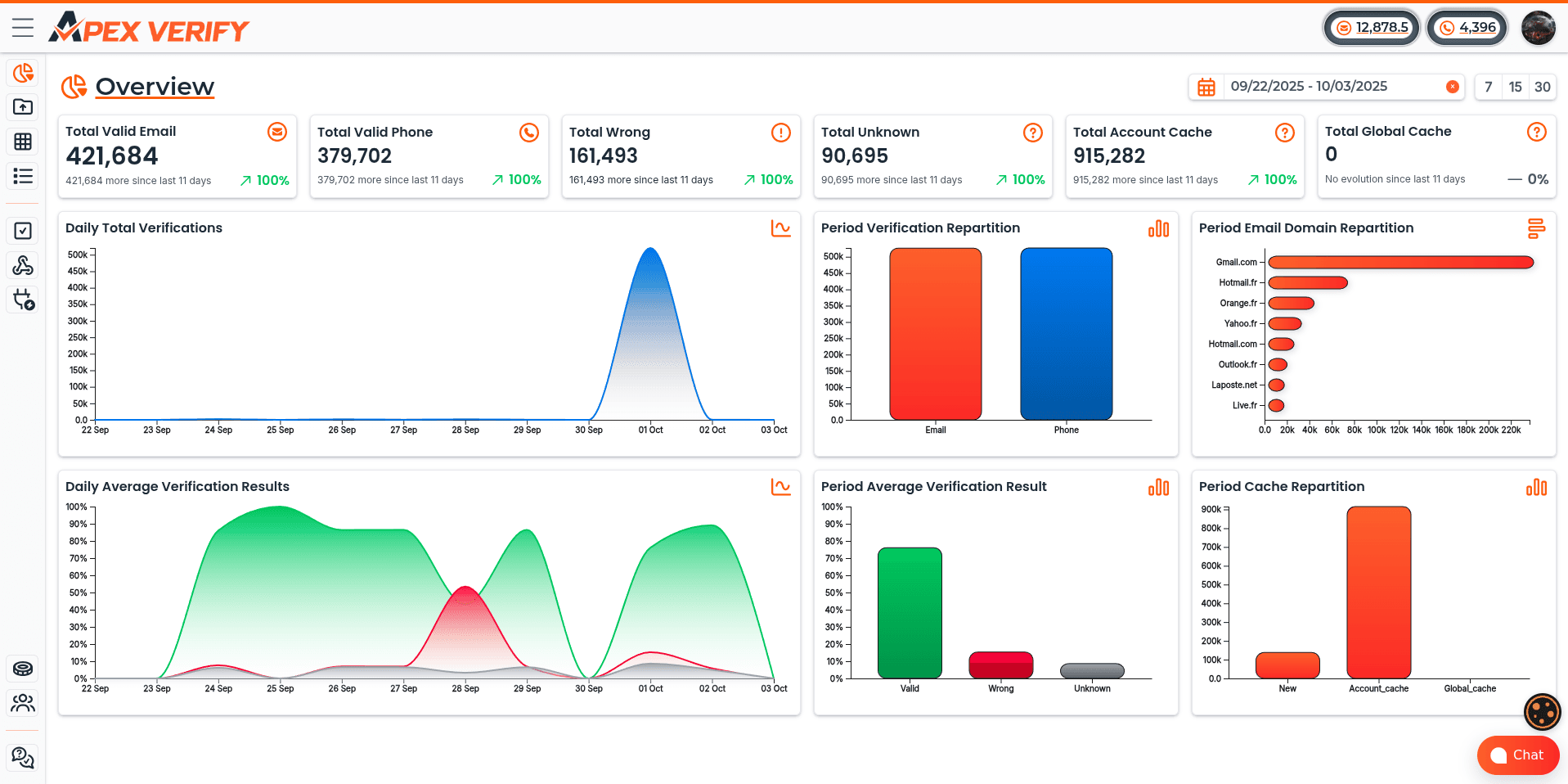
- Yes. ApexVerify lets you verify email addresses from Microsoft Excel in bulk and return clear results you can review, sort, and use easily. You can also access verification results from the ApexVerify dashboard.
Can I verify phone numbers from Microsoft Excel?
Do I need technical skills to use the Microsoft Excel Add-in?
Is this useful before CRM imports or campaigns?
Is ApexVerify secure for business spreadsheet data?
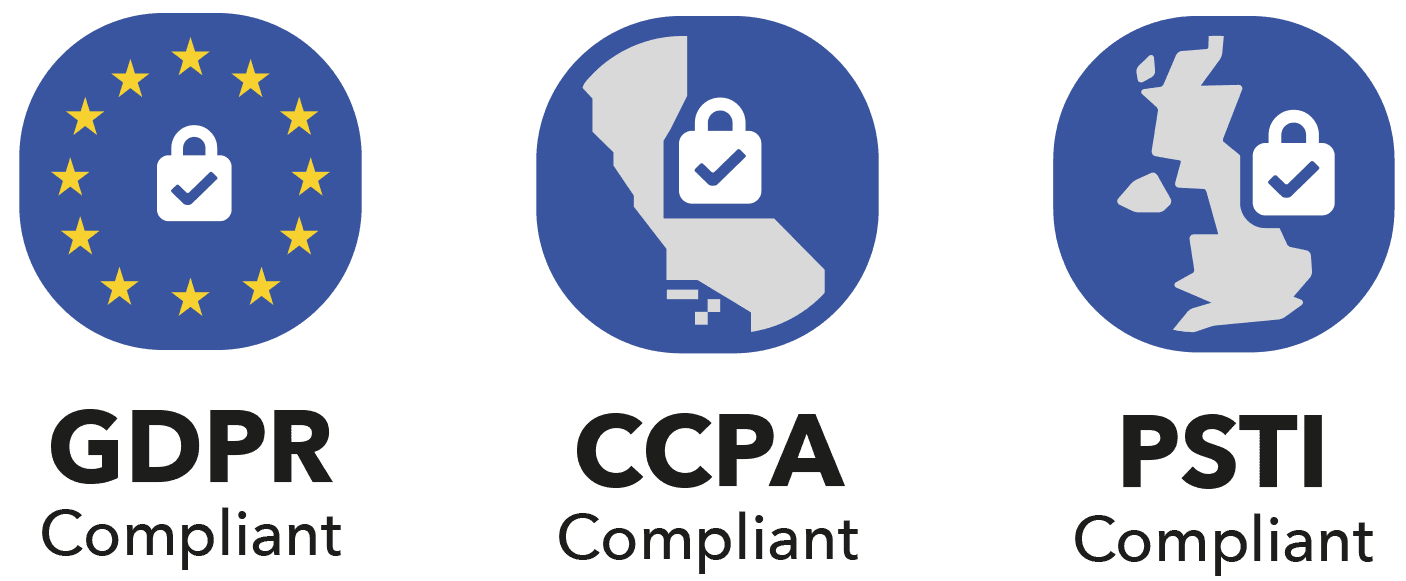
Is ApexVerify GDPR compliant with spreadsheet data?
Can multiple people use the Excel file while verifying?
Do I need to wait in front of Excel during verification?
How many rows can I verify with the ApexVerify Microsoft Excel Add-in?
Boost your productivity now by start using our email & phone number verifiers.
Enjoy 100 email & 25 phone verifications upon new account subscription to test our email and phone number verification software. There is no engagement by using the free credits to test our products. Verify now and profit, simply !